
Pre-requisites:
- Meta Business Account
Create and configure a Meta Business Account via the Meta Business Suite
- Dedicated Phone number (this number should not be connected to any other WhatsApp account)
- WhatsApp Business Account (WABA)
- Useful links:
- Verified Business Information (grants additional messaging permissions)
- Payment method setup (mandatory for message templates)
Steps to follow on Helix:
- Login to Helix using your credentials
- Go to the control panel page (menu on top left -> control panel OR https://my.helixbydoctors.com/control-panel)
- Look for the CRM Setup section as shown below
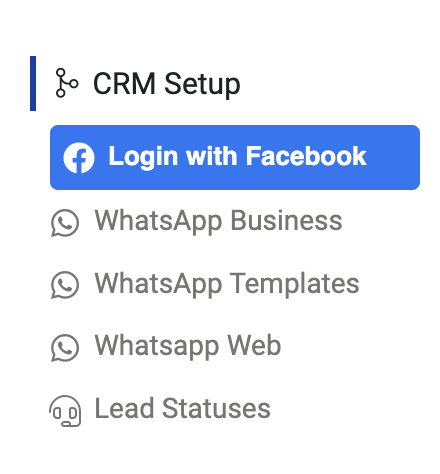
- Click on WhatsApp Business
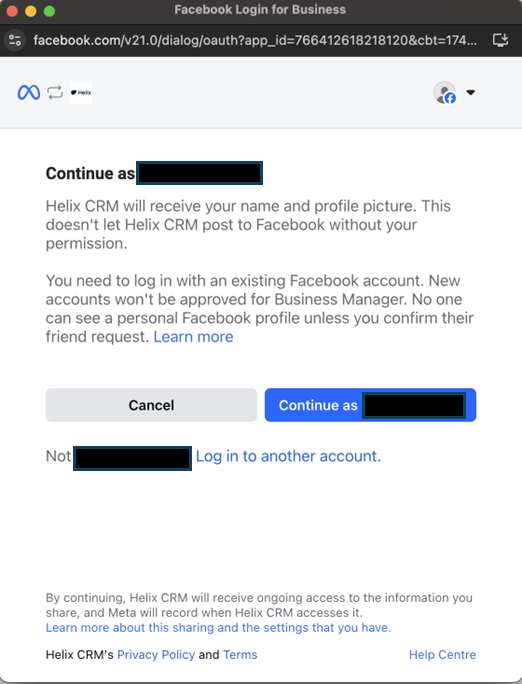
- Login with your Facebook account (that has access to your WhatsApp Business Account)
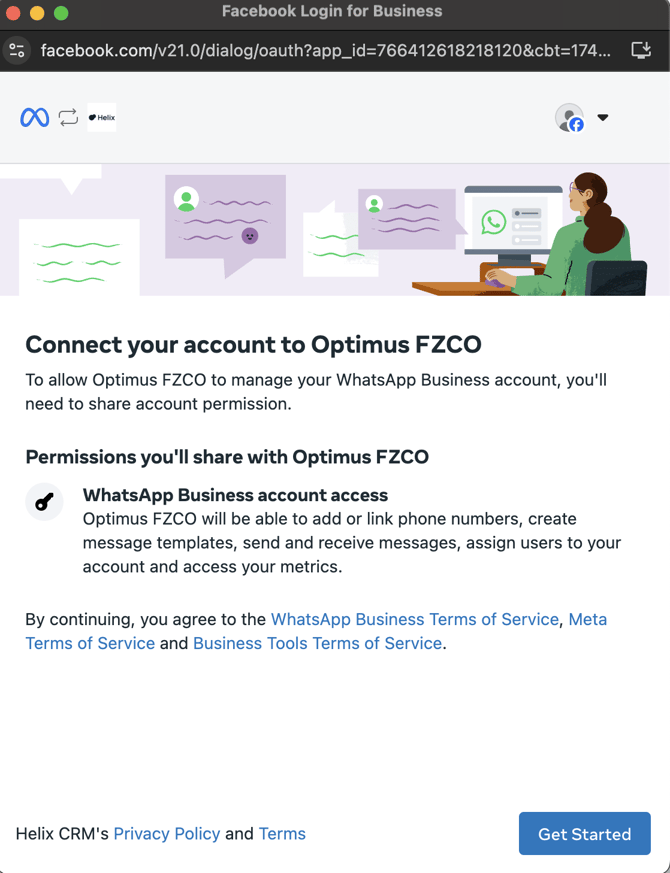
- Click on Get Started
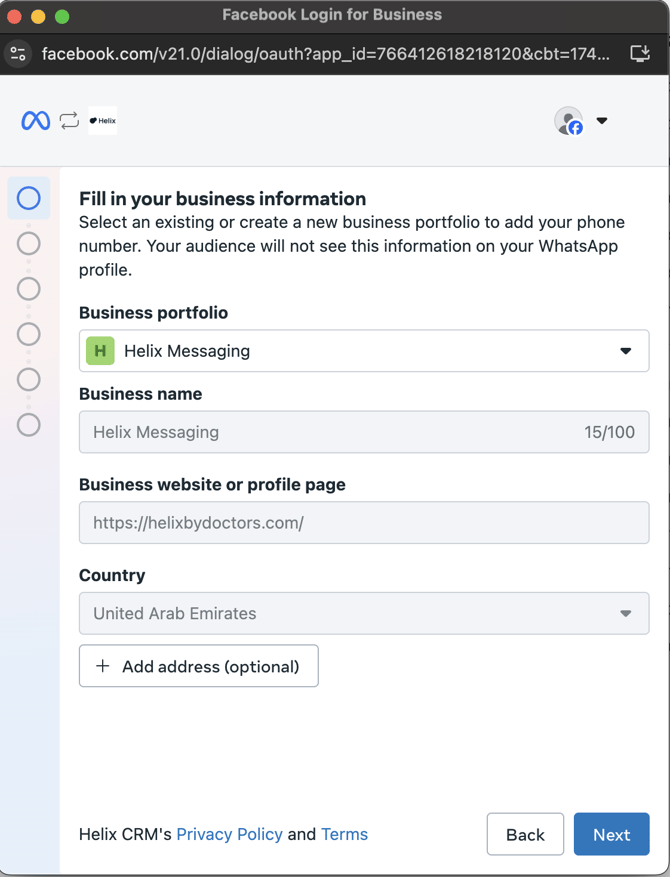
- Choose your business portfolio and hit Next
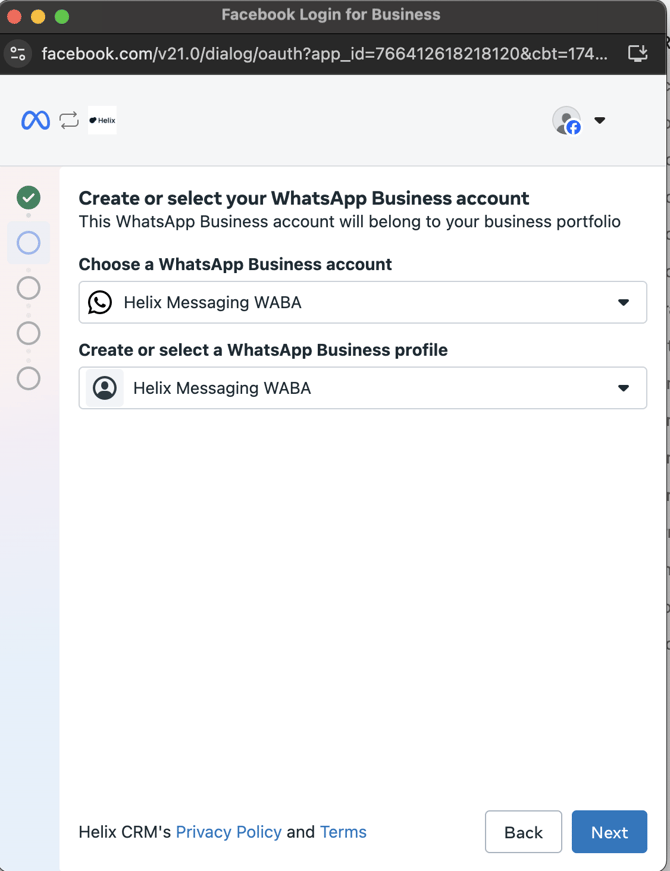
- Select your WABA and WhatsApp business profile
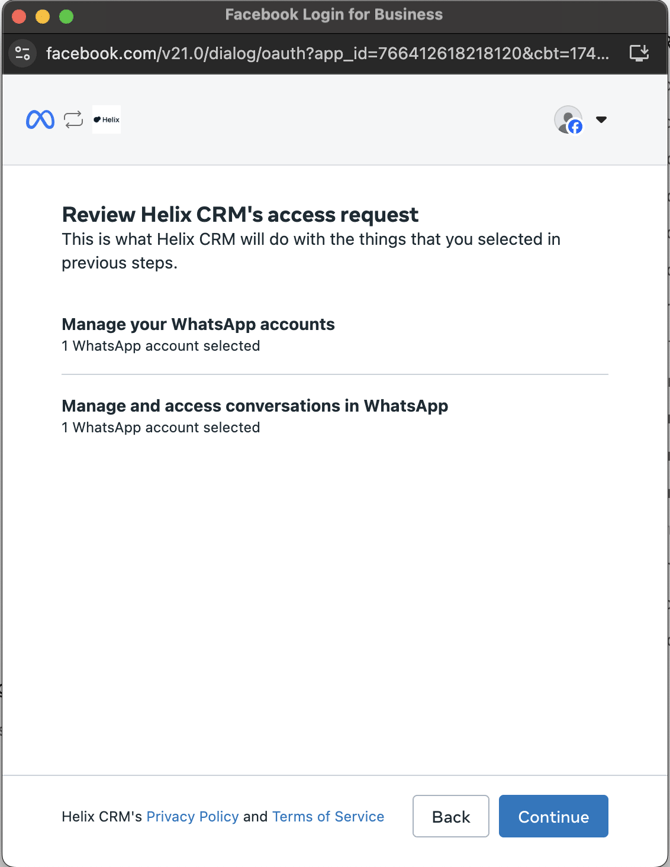
- Review permissions then hit Continue
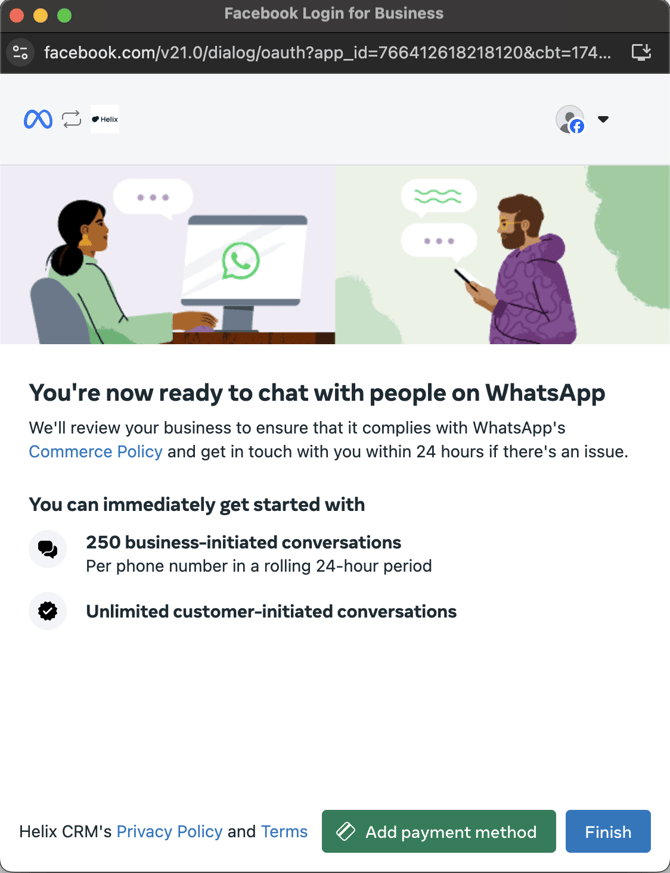
- All done! Click on finish (you may choose to setup the payment method now or later from the Meta business suite)
- Logout and re-login for changes to take place
Notes:
Please note that Meta applies its own charges for sending Whatsapp messages. Refer to the following link to know more details: Platform Pricing