Connecting your Meta (Facebook) and Instagram Pages
Pre-requisites:
- Meta Business Portfolio
- Linked Facebook Page to your portfolio
- Linked Instagram Page to your portfolio
Steps to follow on Helix:
- Login to Helix using your credentials
- Go to the control panel page (menu on top left -> control panel OR https://my.helixbydoctors.com/control-panel)
- Look for the CRM Setup section as shown below
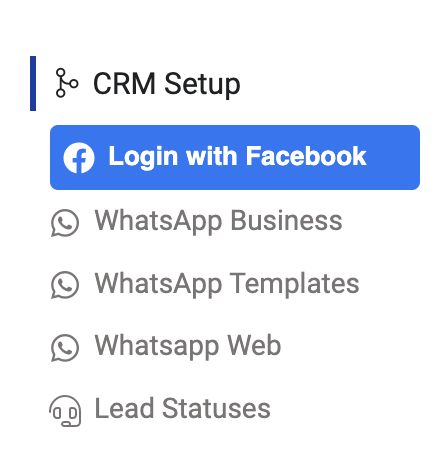
- Click on Login with Facebook
- Choose your corresponding Meta Portfolio
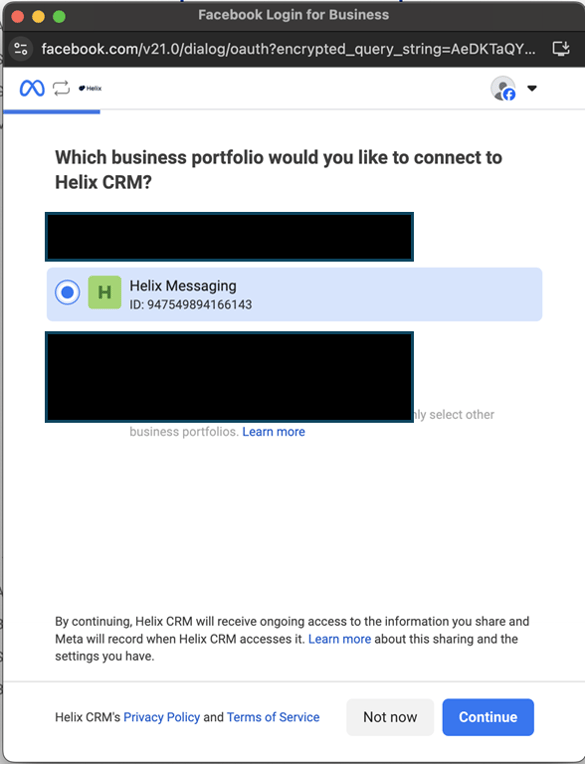
- Choose the Facebook page you wish to connect to Helix. Note: if you’re reconnecting you might face an additional step (You are reconnecting Helix Messaging to Helix CRM. This business portfolio was previously connected to Helix CRM. You can review and modify your previous settings before re-establishing this connection), just hit continue in this case.
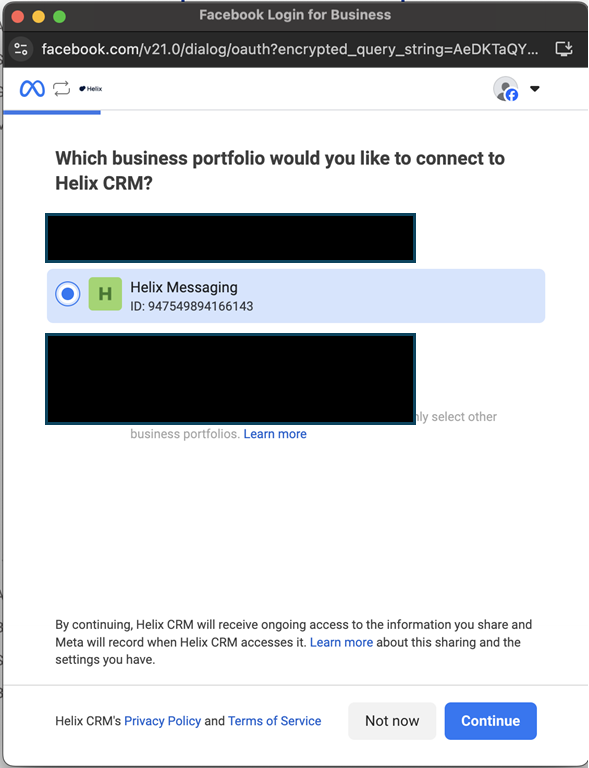
- Choose the ad account you wish to connect to Helix (optional).
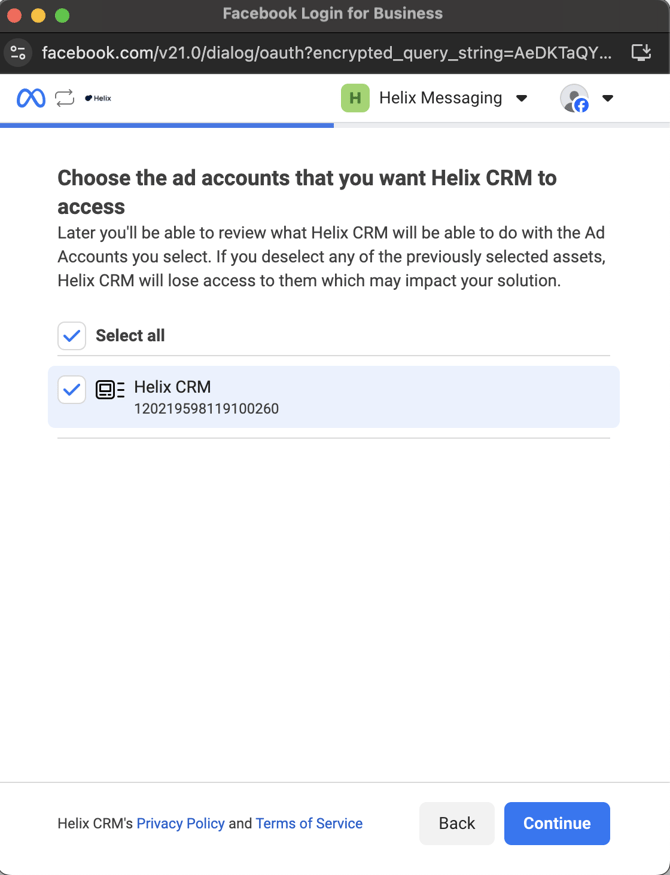
- Choose the Instagram page you wish to connect to Helix
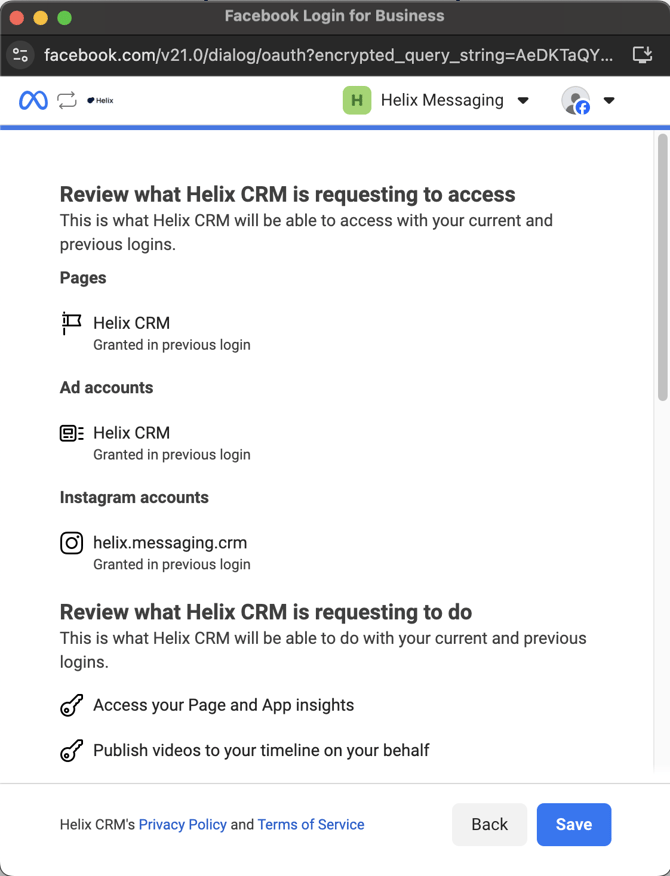
- Review and grant access
- Congratulations you have connected your page(s) to Helix, hit the “Got it” button and wait few seconds, you will be auto signed off.
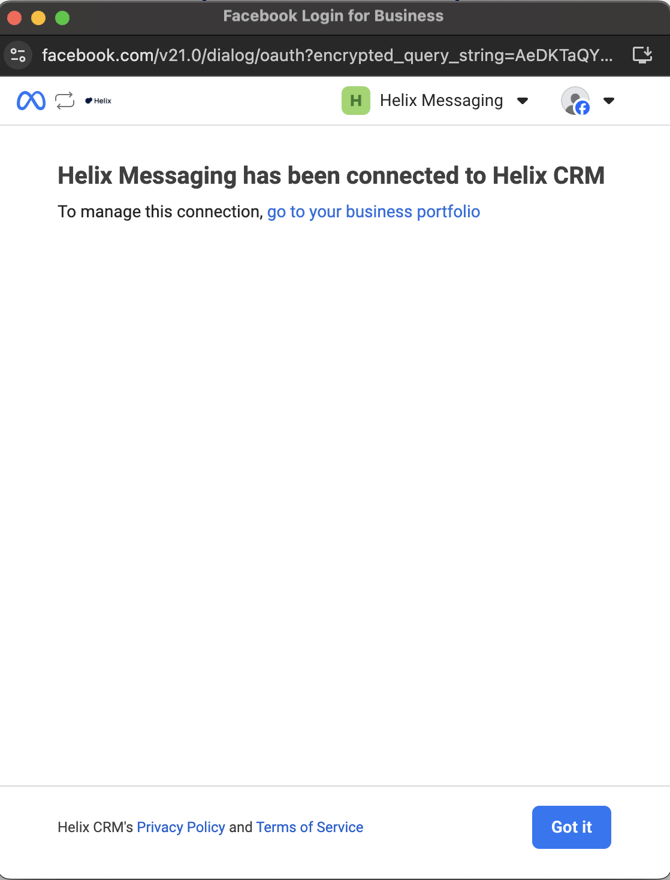
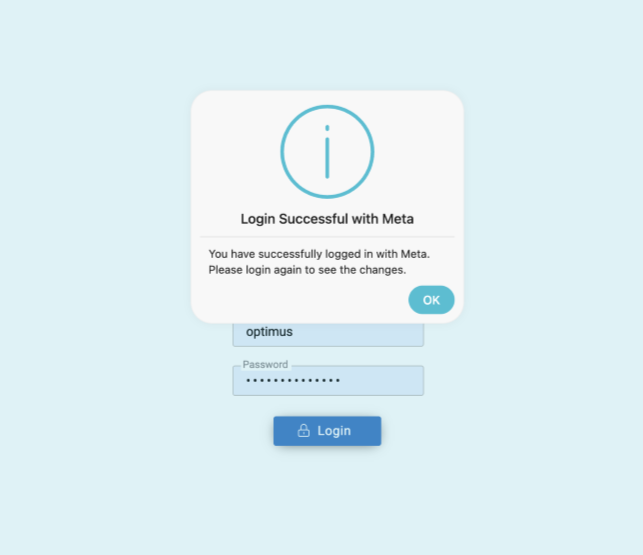
- Upon logging out you’ll get a message like this signifying the successful connection.