
Audience: All new users
Purpose: Guide users through accessing the Helix system and resolving common login issues.
Accessing the Login Page
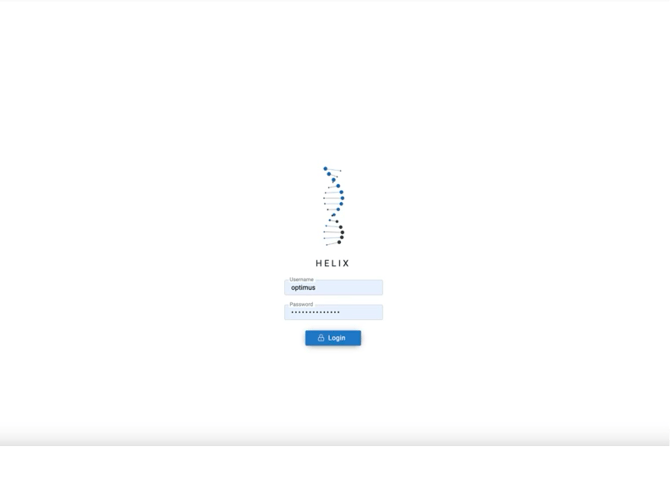 To begin using Helix, open your browser and navigate to the Helix login URL:
my.helixbydoctors.com
It’s recommended to bookmark this page for quick access in the future.
Entering Your Login Credentials
Use the credentials provided by your system administrator. When entering your username and password, ensure they are entered exactly as provided:
-
Username: Case-sensitive. Avoid adding spaces before or after.
-
Password: Also case-sensitive. Copying and pasting may add hidden spaces—type manually if issues arise.
If this is your first login, the system may prompt you to change your password. Once your credentials are entered, click Login to access the system.
Troubleshooting Login Issues
If you're unable to log in, check the following:
-
Forgotten password: Contact your system administrator for a reset.
-
Connectivity: Confirm your internet connection is stable.
Best Practices
-
Always log out using the Log Out button in the navigation bar. Closing the browser window alone does not end your session.
-
You may open multiple Helix tabs in the same browser session. Just ensure data is saved correctly before switching between them.